

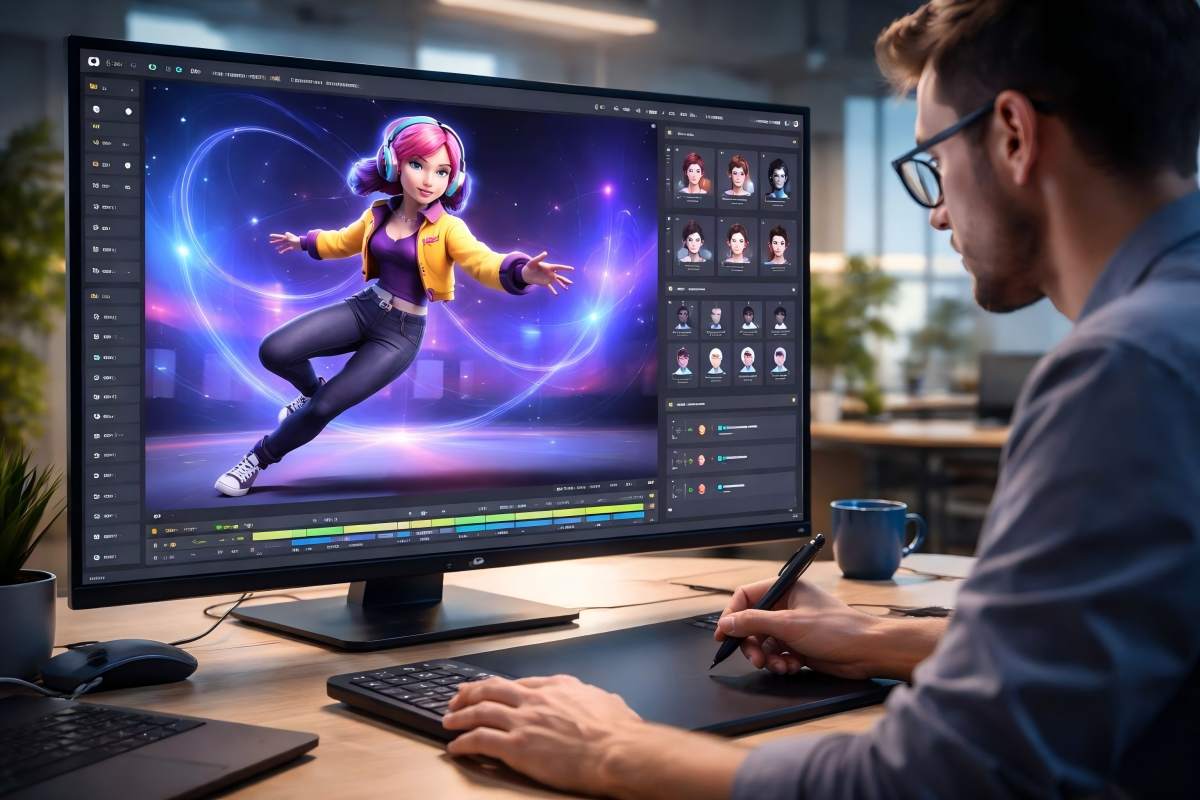
A visually impressive photograph is not always a useful input for AI motion transfer. Dramatic lighting, shallow depth of field, cropped limbs, and extreme camera angles may look intentional to a human viewer, but they can hide the structural information an AI system needs.
The same principle applies to reference video. A compelling performance can still produce weak results when the performer leaves the frame, crosses their limbs repeatedly, or moves behind foreground objects.
Better motion control AI results begin before generation. They begin with two well-prepared inputs: a readable character image and a reference video whose movement can be interpreted consistently.
Define the Purpose of the Final Video
Decide where the generated video will be used before selecting either input. A vertical social clip, widescreen storyboard, product advertisement, and animated avatar each require different framing.
For TikTok or Instagram Reels, the character needs enough vertical space for full-body movement. A 16:9 previs sequence may need more room around the subject for camera movement. Square product content usually benefits from centered composition and restrained gestures.
Your intended format should guide the source image, reference performance, and motion intensity from the beginning.
Match the Character and Performer’s Proportions
Motion transfer works by mapping movement from the performer onto the character. Large differences in body proportions make that mapping harder.
A realistic adult performer may not translate cleanly onto a character with very short legs, oversized hands, or a disproportionately large head. The system must reinterpret every joint position, which can create stretched limbs or unstable posture.
Choose a performer whose general structure resembles the character. Exact proportions are unnecessary, but the shoulder width, limb length, and overall stance should be reasonably compatible.
Begin with a Readable Starting Pose
The first frame establishes the character’s body position and visual identity. It should show the pose clearly, without forcing the system to guess where major joints are located.
If the reference video begins with the performer facing forward and standing naturally, use a character image with a similar starting position. Avoid pairing a seated character with a standing dance reference or a side-facing portrait with a front-facing performance.
Small pose differences are manageable. A completely different body orientation creates unnecessary reconstruction work before the actual motion begins.
Preserve a Clean Silhouette
The character’s outline should be easy to separate from the background. A clean silhouette helps the system identify the head, torso, arms, legs, and any accessories that should move with the subject.
Avoid source images with:
- Cropped hands or feet: Missing body parts may be reconstructed inconsistently.
- Crossed limbs: Overlapping arms and legs hide joint positions.
- Background clutter: Nearby objects can be mistaken for part of the character.
- Similar colors: The subject may blend into the surrounding scene.
- Heavy motion blur: Soft edges reduce structural clarity.
- Large foreground objects: Props can conceal important parts of the pose.
A plain background is useful, but strong subject separation matters more than a perfectly blank setting.
Use Soft, Even Lighting
High-contrast lighting can hide facial contours, hands, clothing edges, and limb boundaries. Deep shadows may be interpreted as missing structure, while clipped highlights can erase surface detail.
Use diffused window light or a large softbox positioned near the camera axis. Keep exposure balanced across the face and body, and check the histogram for crushed shadows or highlight clipping.
The goal is not flat lighting. The image still needs enough directional contrast to describe form, but every important body region should remain visible.
Give the Face and Hands Enough Resolution
Faces and hands contain dense motion information. Expressions, finger positions, and lip movement can change rapidly within a short clip, so these areas need clear source detail.
Use an image large enough to preserve the eyes, mouth, fingers, and facial outline. Avoid beauty filters that erase skin structure or reshape facial features. They may look polished in a still image but become unstable once the face starts moving.
If the character is shown full-body, confirm that the face is still readable at the final output resolution.
Choose a Reference Performance the System Can Follow
A good reference video shows continuous, readable movement. The performer should remain visible, and each action should have a clear beginning, middle, and end.
Start with controlled performances rather than the most complex choreography available. Walking, turning, pointing, speaking, and moderate dance movements provide useful tests because the body remains understandable throughout the sequence.
Fast spins, floor work, acrobatics, and sudden direction changes place greater demands on pose tracking. They are better attempted after the character has already succeeded with simpler motion.
Control Camera Movement
The system must interpret both performer movement and camera movement. When both change aggressively, it becomes difficult to determine whether the subject moved or the viewpoint changed.
Use a locked camera or gentle, intentional movement for the first test. Avoid rapid zooms, handheld shake, whip pans, and frequent cuts. These effects can be introduced later when the underlying character transfer is already stable.
If camera movement is essential, keep the performer near the center and visible throughout the shot.
Reduce Occlusion and Limb Overlap
Occlusion occurs whenever one body part or object hides another. Brief overlap is normal, but long or repeated occlusion removes information the system needs to maintain anatomical continuity.
Watch for hands passing behind the torso, legs disappearing behind furniture, faces covered by hair, or props crossing the body. Loose sleeves can also conceal wrist and elbow positions.
Choose a reference take with open gestures and visible joints. If an action requires a prop, keep the object simple and make its relationship to the hands easy to understand.
Treat Stylized Characters Carefully
Illustrated characters, mascots, robots, and fantasy figures can work well, but they often depart from human anatomy. A character may have rigid armor, floating accessories, unusual facial features, or clothing that does not behave like fabric.
Select movement that respects the character’s visual construction. A heavy robot should not necessarily inherit the same secondary motion as a dancer in loose clothing. A mascot with short limbs may need smaller steps and wider gestures.
Even with careful preparation, tiny accessories, complex patterns, and nonhuman joints may deform or disappear during fast movement.
Plan Clip Length and Aspect Ratio Early
Longer clips create more opportunities for identity drift, accumulated pose errors, and background instability. Test a short section before committing to the full performance.
Choose an excerpt containing the most important movement, but include a brief neutral pose at the beginning and end. This gives the transition into and out of the action enough visual context.
Compose the source image for the final aspect ratio. Vertical video needs space above and below the character, while widescreen output needs safe room on both sides.
Know What Motion Transfer Cannot Recover
An AI system cannot reliably reconstruct information that neither input reveals. It may estimate hidden surfaces, invent the back of an outfit, or approximate hands that leave the frame, but those details are interpretations.
A single character image cannot fully provide:
- The exact appearance of the character from every angle
- Hidden clothing, accessories, or body surfaces
- Reliable depth behind overlapping limbs
- Perfect logos, typography, or small patterns
- Physically accurate behavior for unusual materials
- Anatomical detail concealed by shadows or props
For concept videos, social content, advertisements, and storyboards, an interpretation may be sufficient. Continuity-critical production work still requires additional references and human review.
Test Both Inputs in a Motion-Control Workflow
Once the character image and reference performance are prepared, a tool such as motion control ai can transfer gestures, expressions, and full-body movement from the reference clip to the character. Its workflow accepts a character image and reference video, with output options designed for vertical, widescreen, and square publishing formats.
Treat the first generation as a diagnostic pass. Review it frame by frame rather than judging only the opening image.
Check for:
- Identity stability: The face, outfit, colors, and proportions remain consistent.
- Pose accuracy: Major movements follow the reference without unexpected reversals.
- Hand integrity: Fingers and wrists remain connected during gestures.
- Foot contact: Steps meet the ground without sliding or floating.
- Expression timing: Facial movement supports the performance instead of lagging behind it.
- Secondary motion: Hair and clothing respond naturally without overpowering the main action.
- Background continuity: Objects and edges remain stable as the character moves.
- Framing: The subject stays inside the intended platform-safe area.
A result may appear convincing from the starting angle while breaking during a turn. Always evaluate the entire movement, not just a selected thumbnail.
A Simple Pre-Generation Checklist
Before generating, confirm that:
- The intended platform and aspect ratio are defined.
- The character’s entire required body area is visible.
- The opening pose resembles the reference video’s first frame.
- The character and performer have reasonably compatible proportions.
- The subject is clearly separated from the background.
- The face, hands, and feet contain enough visible detail.
- Lighting preserves both highlight and shadow information.
- The performer remains visible throughout the reference clip.
- Camera movement is controlled and intentional.
- Limb overlap and foreground occlusion are limited.
- The clip begins and ends with readable poses.
- You have permission to use every uploaded person, character, and video.
Better Inputs Create More Controllable Motion
AI can estimate motion, interpolate missing poses, and adapt a performance to a new character. It cannot recover visual information that the source material has completely hidden.
For creators, the task is therefore broader than choosing a model or writing a prompt. You are preparing two pieces of visual evidence: one defines who moves, and the other defines how they move. When both are clear, compatible, and deliberately framed, motion transfer becomes more predictable—and far more useful.
