

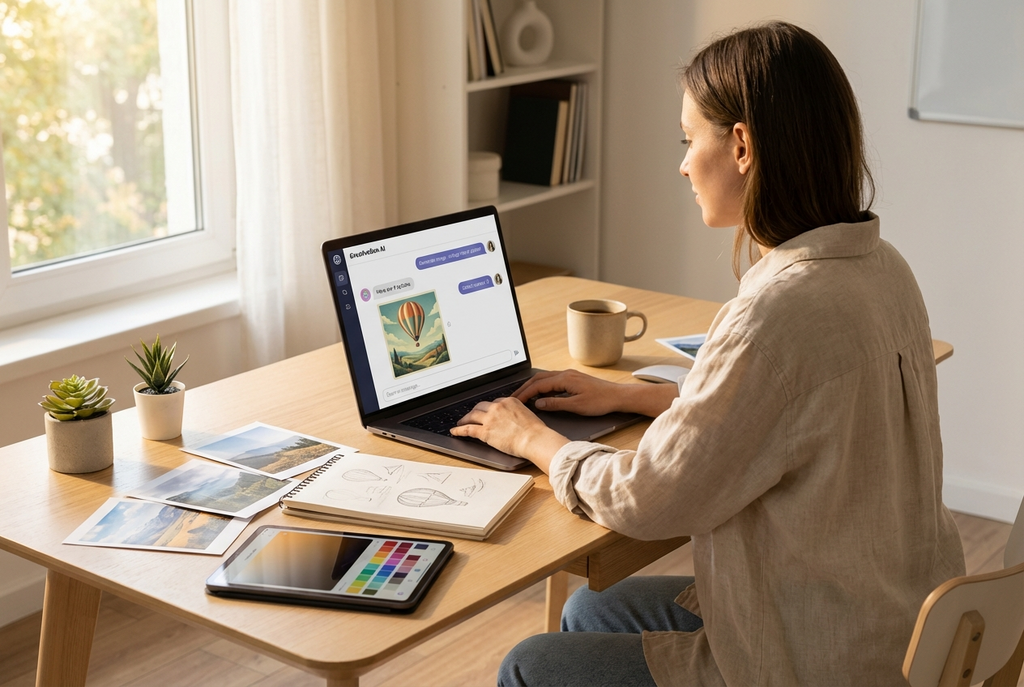
There is no shortage of AI image generators in 2026. A quick search turns up dozens of options, each claiming to produce stunning visuals from text descriptions. If you have spent any time testing them, you already know the reality is more complicated. Some produce impressive results in demo videos but fall apart when you try to use the output for anything professional. Others work well for specific tasks but lack the flexibility to handle the range of formats and styles a real project demands.
The technology has matured significantly over the past two years. The question is no longer whether AI can generate images. It clearly can. The question worth asking now is a more practical one: which tools actually produce output you can use for professional work, and what separates them from the rest?
Resolution Is the First Filter
Start with resolution, because it eliminates a surprising number of tools immediately.
Most AI image generators output at 1K or 2K resolution. That is fine for social media thumbnails or quick mockups. It is not fine for print materials, high-density displays, e-commerce marketplace listings, or any context where the image will be viewed at scale.
Professional work often requires images at 4K (3840 x 2160) or higher. Packaging design, retail displays, conference presentations on large screens, and website hero images on Retina displays all need sharp details at full size. If your AI tool maxes out at 1024 x 1024, you are scaling up and losing quality before the image reaches its final destination.
This is not a minor inconvenience. It is the difference between output you can actually deliver to a client and output that requires additional upscaling tools to become usable.
Text Rendering Remains the Hardest Problem
Ask any AI image generator to put readable text inside an image and you will quickly discover where most tools still struggle. Letters come out warped, misspelled, or blurred beyond recognition. This has been a known limitation since the earliest diffusion models, and while progress has been made, the majority of tools still cannot reliably render text.
For professionals, this is not a niche concern. Product labels, packaging mockups, social media graphics with headlines, educational diagrams with annotations, event posters, and branded content all require legible text as part of the image. If the tool cannot handle it, you end up generating the image in AI and then adding the text manually in a separate design application. That extra step undermines the speed advantage that made AI generation appealing in the first place.
The tools that have solved text rendering tend to use newer model architectures specifically trained for typographic accuracy. It is worth testing this capability with your own use cases before committing to any platform.
The Interface Matters More Than You Think
Early AI image tools required users to learn “prompt engineering” — a pseudo-technical skill involving specific keywords, syntax patterns, and style modifiers to get acceptable results. This created a barrier that kept many professionals from adopting the technology, even when the underlying models were capable.
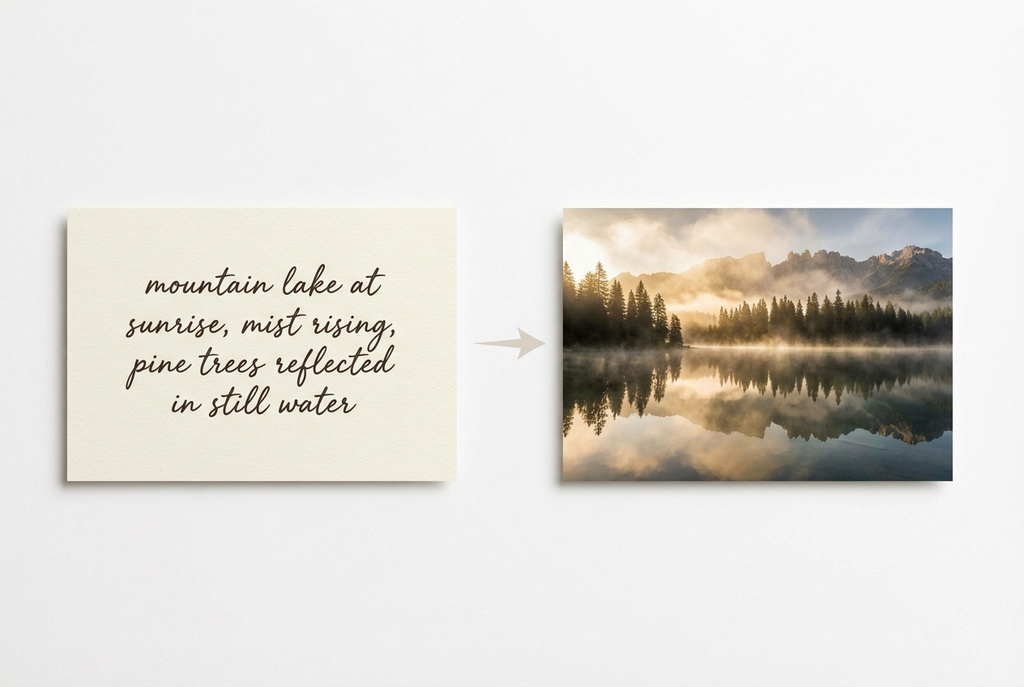
The shift toward conversational interfaces has changed this dynamic. Instead of constructing elaborate prompts, you describe what you need in plain language. The tool generates a result. You provide feedback in natural sentences: “make the lighting warmer,” “move the product to the center,” “try a version with a white background.” The image evolves through dialogue rather than through rewritten prompts.
This workflow mirrors how you would direct a human designer or photographer. It also means the tool maintains context across the conversation, so each refinement builds on the previous result instead of starting over. For anyone producing visual content regularly, this iterative approach saves significant time.
Aspect Ratio Flexibility Prevents Rework
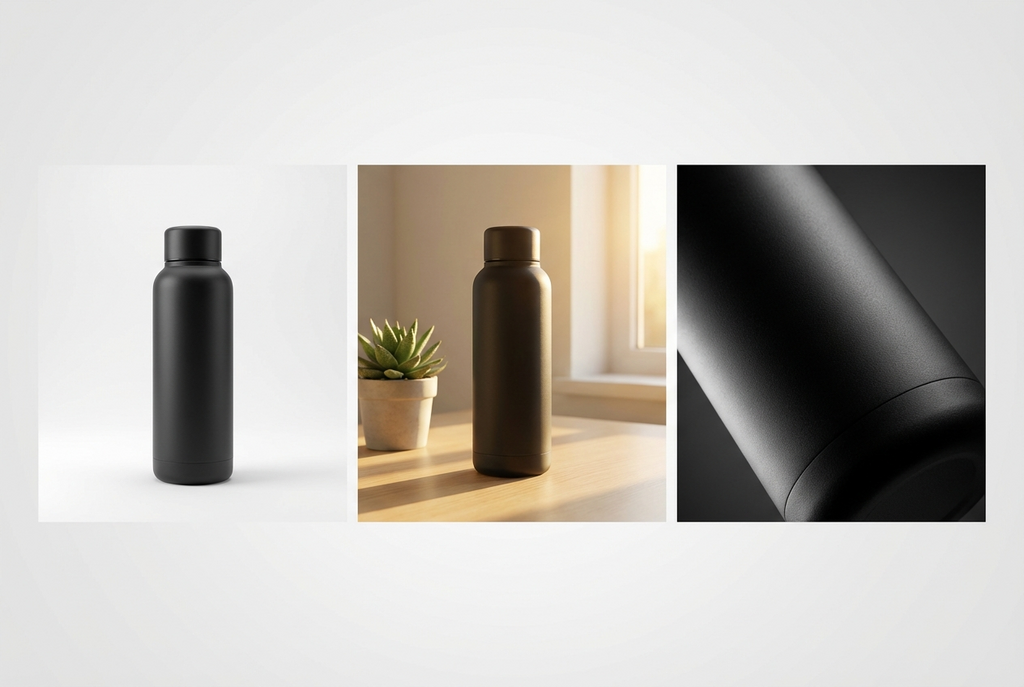
A single visual concept often needs to exist in multiple formats: a wide banner for a website header, a square crop for Instagram, a vertical frame for Stories or TikTok, and an ultra-wide format for digital signage or presentations.
Tools that support a wide range of aspect ratios from a single generation eliminate the cropping and reformatting step. Instead of generating at one ratio and manually adjusting for each platform, you generate natively in the format you need.
Some tools now support 14 or more aspect ratios, including ultra-wide formats like 21:9 and 4:1. If your work involves multi-platform content distribution, this capability alone can save hours of production time per week.
Putting It Together: A Concrete Example
To illustrate how these criteria work in practice, consider Banana AI, a chat-based image generator built on Google’s Gemini models.
It offers multiple model tiers within a single interface. Nano Banana handles quick concept drafts in 2 to 5 seconds. Nano Banana 2 balances speed and quality with 14 aspect ratios, controllable reasoning depth, and up to 4K output. Nano Banana Pro targets high-fidelity work with precise text rendering, detailed compositions, and full 4K resolution.
The conversational workflow is the core interaction model. You open a chat, describe the image, review the result, and refine through follow-up messages. The system remembers context across the conversation, so adjustments are incremental rather than starting from scratch. You can also upload reference images and modify them through dialogue.
Pricing follows a credit-based structure starting at $9.9 per month for 500 credits. There is a free tier with 10 credits and no credit card required, which provides enough room to test all three model tiers against your actual use cases.
Common Questions About AI Image Generators
Can AI-generated images be used commercially? Yes. Images generated through platforms like Banana AI are permitted for commercial use under the model provider terms. This includes marketing materials, product listings, social media content, and client deliverables.
How does chat-based generation differ from prompt-based tools? Prompt-based tools require you to write a complete description up front, using specific keywords and syntax. Chat-based tools let you describe your needs in natural language and refine through follow-up messages, similar to working with a human designer.
What resolution should I look for? For web use, 2K is generally sufficient. For print materials, e-commerce listings on high-density displays, or any large-format application, look for tools that output at 4K (3840 x 2160) or higher without upscaling.
Do all AI tools struggle with text in images? Most do, yes. Text rendering accuracy varies significantly between models. Tools built on newer architectures, particularly those with dedicated text rendering training, perform markedly better. Always test with your specific text requirements before committing.
Is the free tier enough to evaluate a tool properly? A free tier with 10 credits typically gives you enough generations to test resolution quality, text rendering accuracy, and the conversational workflow. It is enough to make an informed decision, though not enough for production use.
The Bottom Line
AI image generation has reached a point where the technology itself is no longer the bottleneck. The bottleneck is choosing the right tool. Resolution, text rendering, conversational refinement, and aspect ratio flexibility are the practical benchmarks that separate tools you can build a workflow around from tools you will abandon after a week.
If you have tested AI image generators before and found them lacking, the current generation of tools addresses most of the complaints that pushed people away. The gap between AI-generated output and traditional professional production is narrower than it has ever been, and for many use cases, it has effectively closed.
