


Something about secret messages is undoubtedly exciting. Either you have found a secret message written in some strange code, or a friend has sent you some coded text, or just you want to learn more about the interesting world of cryptography, you can get the sensation that you are reading a spy novel the moment you start decoding some hidden message. The good news? You do not have to install any dubious programs or learn how to computerize your life to start cracking the codes. I will demonstrate to you how you can safely decode secret messages right in your browser.
Why Decoding Messages Online Makes Sense
Since we are about to discuss the how-to, we should first discuss why the browser-based approach is best in the hands of a beginner. To begin with, there is no threat of installing malware in the form of decryption software. It is so easy to fall into dubious downloads when you are in the market of cipher tools. Second, internet tools are usually free and do not need any commitment. You can be able to experiment, study and proceed without cluttering your machine. Lastly, web-based decoders give instant results thus making the learning process more rewarding and interesting.
Understanding the Basics of Common Ciphers
At first, it is good to be aware of what the most common types of codes are. The Caesar cipher is merely a shift of every letter within the alphabet by a set number. When one moves all the letters three positions forward, the word HELLO will turn into KHOOR. Simple, right? The other widely used one is the Atbash cipher,i.e. reversing the alphabet in its entirety i.e. A is Z, B is Y etc.
Next there is the substitution cipher whereby each letter is substituted with another letter or symbol based on a given key. Here frequency analysis will be your best friend as some letters are more frequently found in English text. When you are cracking codes and you do not have the key, you can use the letter E, which is much more common than the letters Q and Z.
Finding Trustworthy Online Decoding Tools
There are a lot of cipher-solving resources available on the internet, not all of them are equal. Find websites that are simple and do not overload you with advertisements and understand what they do. University or existing technological community-hosted educational websites tend to be safe bets. Once you get on a decoder page, see whether it handles all your content on your computer instead of uploading your text to a server somewhere.
To practice with reversed alphabets, you use an Atbash cipher tool online that allows you to type in some text and instantly view the transformation. The tools generally operate on the principle of using the reversal formula in your browser with the help of JavaScript, which means that your messages do not travel out of your device. This method makes your experiments confidential and provides you with real-time feedback as to whether you have solved the code correctly.
Hands-On Practice Makes Perfect
Cryptography can only go so far with theory. What you must do is to get dirty with actual ciphers, to really see how they are used. Begin with simple coded messages that you develop yourself and then decode them in various ways. This is what helps to entrench the images in your head. You could create a secret message by a caesar cipher with a shift of five and then attempt to decode it, as though you had never seen it previously.
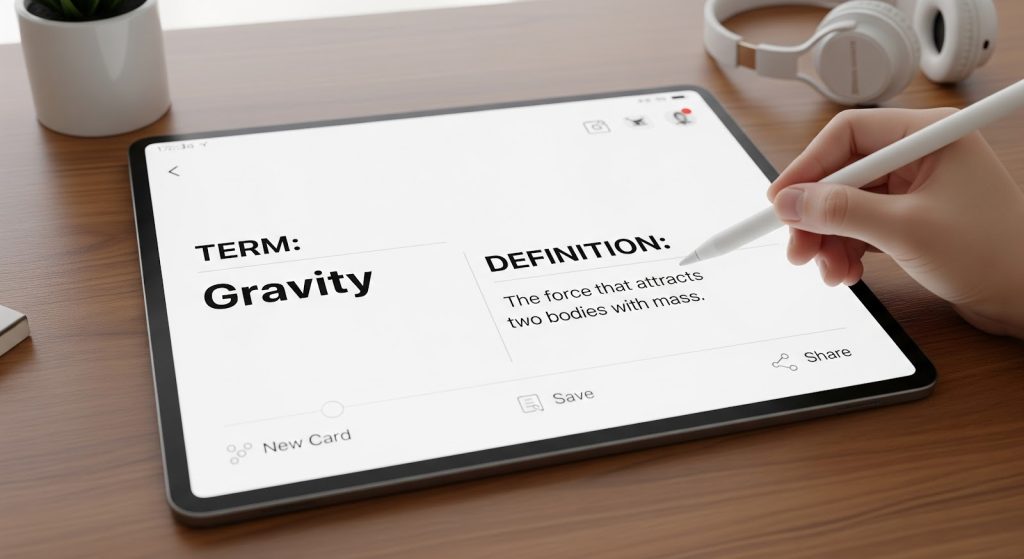
It is important to consider a Flashcard Maker and give yourself a test on the most common types of ciphers and their properties. Your pattern recognition skills can be enhanced by making flashcards where one side has various encoded words and the other side has the corresponding decoded words. This is an effective method of study especially when you are in need of memorizing frequency tables or indicators of common ciphers.
Safety Tips for Your Decoding Journey
Although the process of decoding messages is usually harmless entertainment, a few principles of safety will be of benefit to you. In any case, do not enter sensitive personal information into random online tools regardless of whether you are just testing it. Use trustworthy sites, which have HTTPS encryption which is represented by the padlock icon on the address bar of your browser. When a site requires you to create an account or leave an email address in order to use a simple decoder, it is usually a warning sign.
Besides, note that not every secret message is addressed to you. In case you have come across something really confidential or one that covers real security issues, the moral decision is to leave it alone. Cryptography as a hobby must remain a puzzle, learning and challenge among friends.
Beyond Basic Ciphers
The field of cryptography opens up in a significantly different way after you have mastered the basics. You could look into polyalphabetic ciphers such as the Vigenere cipher which relies on a keyword to apply multiple Caesar cipher shifts. Or enter into transposition ciphers, in which the letters are not replaced. The new type of cipher is always a challenge and you learn more on how we can hide and unveil information.
What is so good about learning cryptography with the help of browser-based tools is the fact that you can take your time. Perhaps now you can crack a simple message and in a couple of months, you will be solving the military codes of the past or devising your own encryption methods.
Making It Stick
There are occasions when the most effective method of learning what you have is to teach someone else or use your knowledge in some unforeseen manner. You might do a scavenger hunt with friends where each clue is coded in a different way or you might put up a weekly code-breaking challenge in your community. Cryptography becomes fun with these social applications as opposed to studying.
Interestingly, the reasoning that is needed to decode messages is applicable to other fields. The same analytical thinking is handy no matter what you are doing, whether it is troubleshooting an issue or the strategy in a game such as a Megabonk simulator online. Even browsing a restaurant directory online to find the ideal place to have dinner would require some filtering and pattern matching just like you used in cryptography.
Your Next Steps
You do not need fancy equipment, costly computer software or even years of training to begin your adventure in secret message decoding. All you have to do is to be curious, have a web browser and be ready to experiment. Start with basic codes, rely on reliable online services, and change the complexity further with the growing confidence.
