

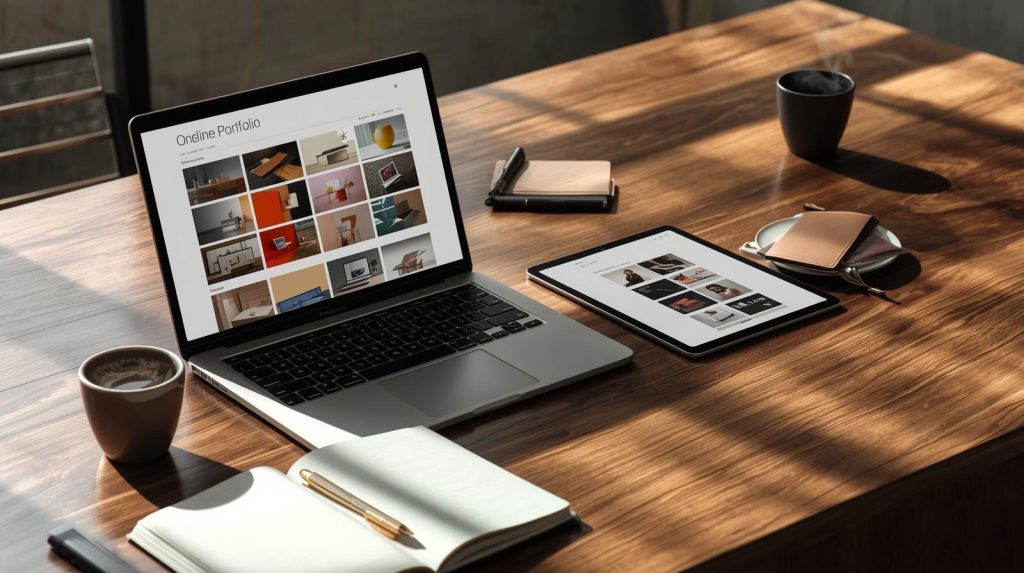
In today’s competitive digital landscape, having an online portfolio is no longer optional, it’s essential. Whether you are a designer, developer, photographer, or creative professional, a well-structured online portfolio can make the difference between being noticed and overlooked. Fortunately, modern tools like a free portfolio website maker allow individuals to build a professional portfolio quickly and efficiently, even without technical skills.
Creating an online portfolio is more than just showcasing work. It reflects your personal brand, professionalism, and attention to detail. In this article, we will explore the advantages of using a portfolio website maker, how to set it up effectively, and best practices to maximize its impact.
Why an Online Portfolio Matters
An online portfolio is a centralized hub for your work, providing potential clients, employers, or collaborators with an immediate impression of your capabilities.
- Showcase Your Work Professionally: Unlike social media platforms or generic file sharing, a portfolio website presents your projects in a structured and aesthetically pleasing way.
- Enhance Credibility: A polished portfolio signals professionalism and dedication, helping you stand out in competitive industries.
- Easy to Share: Sharing a single website link is simpler than sending multiple files or attachments.
The visual presentation of your portfolio is just as important as the content. High-quality images, clear descriptions, and intuitive navigation all contribute to a strong first impression.
Key Features of a Free Portfolio Website Maker
A free portfolio website maker provides all the essential tools to create an engaging portfolio without hiring a developer. Some core features include:
Drag-and-Drop Interface
- Simplifies design by allowing users to place elements exactly where they want.
- Reduces the need for coding knowledge.
Pre-Built Templates
- Offer professionally designed layouts optimized for portfolios.
- Help maintain visual consistency across different sections.
Responsive Design
- Ensures your portfolio looks great on desktops, tablets, and smartphones.
- Improves user experience and accessibility.
Multimedia Support
- Enables embedding of images, videos, slideshows, and interactive content.
- Provides richer storytelling of your projects.
SEO-Friendly Options
- Helps your portfolio get discovered through search engines.
- Allows adding meta titles, descriptions, and alt tags for images.
These features make it possible to create a portfolio that reflects your personal style while maintaining a professional appearance.
Steps to Build Your Online Portfolio
Creating a portfolio using a website maker is straightforward. Here’s a step-by-step approach:
1. Define Your Objectives
Before building your portfolio, clarify your goals:
- Are you targeting potential employers or freelance clients?
- Which projects best represent your skills?
- What kind of message do you want to convey about your personal brand?
Understanding your objectives helps in choosing the right design and content structure.
2. Select the Right Template
Most portfolio website makers offer multiple templates designed for various creative fields. Consider the following:
- Choose a template that highlights visuals prominently if you are a designer or photographer.
- Opt for text-friendly templates for writers or strategists.
- Ensure the layout aligns with your brand identity and style.
3. Organize Your Projects
A clear structure makes navigation easy and improves engagement. Organize projects by:
- Type of work (e.g., web design, photography, illustrations).
- Chronological order to show skill progression.
- Featured projects that demonstrate your best work.
Include brief descriptions for each project explaining your role, challenges faced, and outcomes achieved.
4. Add Personal Branding
Your portfolio should reflect your identity. Include:
- A professional profile picture and short bio.
- Your skills and specialties.
- Contact information and social media links.
Personal branding creates a connection with visitors and makes your portfolio memorable.
5. Optimize for Performance
Ensure your portfolio loads quickly and functions smoothly. Key considerations:
- Compress images and videos without compromising quality.
- Avoid cluttered layouts that can distract from your work.
- Test your portfolio on multiple devices and browsers.
Best Practices for an Effective Portfolio
Creating a portfolio is one thing; making it effective is another. Follow these best practices:
- Consistency is Key: Use a unified color scheme, fonts, and layout.
- Highlight Impactful Work: Feature projects that showcase your skills and results.
- Update Regularly: Keep the portfolio current with your latest projects and achievements.
- Incorporate Testimonials: Client or peer feedback adds credibility.
- Simplify Navigation: Ensure visitors can find information quickly and intuitively.
These strategies improve user experience and make your portfolio a compelling tool for attracting opportunities.
Common Mistakes to Avoid
Even with the best tools, mistakes can undermine your portfolio’s impact:
- Overloading with Projects: Too many projects can overwhelm visitors.
- Neglecting Mobile Optimization: A portfolio that doesn’t work well on mobile devices loses potential clients.
- Using Poor Quality Media: Low-resolution images or videos appear unprofessional.
- Ignoring SEO Basics: Without proper optimization, your portfolio may remain undiscovered online.
Conclusion
Building a professional online portfolio has never been easier. With a free portfolio website maker, creative professionals can design visually appealing, organized, and responsive portfolios without technical expertise. By carefully selecting projects, maintaining consistency, and optimizing for performance, your portfolio can become a powerful tool to showcase your talent and open doors to new opportunities.
FAQs
1. Why should I use a portfolio website instead of social media?
A portfolio website provides complete control over design, presentation, and content. Unlike social media platforms, it allows for a structured and professional display of your work, enhancing credibility and creating a unique personal brand.
2. Can I create a portfolio without coding skills?
Yes. A free portfolio website maker typically includes drag-and-drop interfaces and pre-built templates, making it easy to create a polished portfolio without any coding knowledge.
3. How often should I update my portfolio?
Regular updates are crucial. Ideally, update your portfolio whenever you complete significant projects, gain new skills, or receive notable recognition. This ensures your portfolio remains current and relevant.
4. What type of projects should I feature?
Feature projects that best showcase your skills, creativity, and impact. Include diverse examples that demonstrate versatility while prioritizing quality over quantity. Highlight projects that align with your professional goals.
5. Can a free portfolio website maker help with SEO?
Yes. Many portfolio builders include SEO-friendly features such as customizable meta titles, descriptions, and image alt text. This helps improve visibility and ensures your portfolio reaches a broader audience.
